


Welcome to Spingranny Casino!
Get 50 Granny Coins on first install and claim your massive Welcome Package up to €4,500 + 350 Free Spins across your first three deposits. Start your journey with big wins today!
Install AppSpingranny Casino App - Install on iOS & Android
The Spingranny app gives you quick mobile access to casino games, live tables, sports betting, bonuses, activities and your account tools. You can install it on iOS or Android in a few simple steps and use the same profile you already use on desktop.
It’s made for players who want the full Spingranny experience without opening a laptop every time. You can play, check rewards, enter tournaments and manage your account from your phone.
What Is the Spingranny App?
The Spingranny casino app is our mobile version of the platform, built as a PWA-style app shortcut. You can add it to your phone, open it from your home screen and keep casino, sportsbook and account features close.
Some players search for the Spin Granny casino app, and yes, they usually mean the official Spingranny mobile platform. The app page shows a 4.9 rating, 295 reviews, 1200+ downloads, 12 MB size and an 18+ age mark.
| App detail | What you see |
| Rating | 4.9 |
| Reviews | 295 |
| Downloads | 1200+ |
| Size | 12 MB |
| Age mark | 18+ |
| Access type | PWA-style mobile install |
Here’s the thing, mobile access should be simple. You can open games, bonuses, the cashier, activities and support without typing the site address every time.
How to Download & Install the App
A safe Spingranny casino download always starts from the official Spingranny page. Don’t use random third-party files, because your casino account includes personal data, balance activity and payment access.
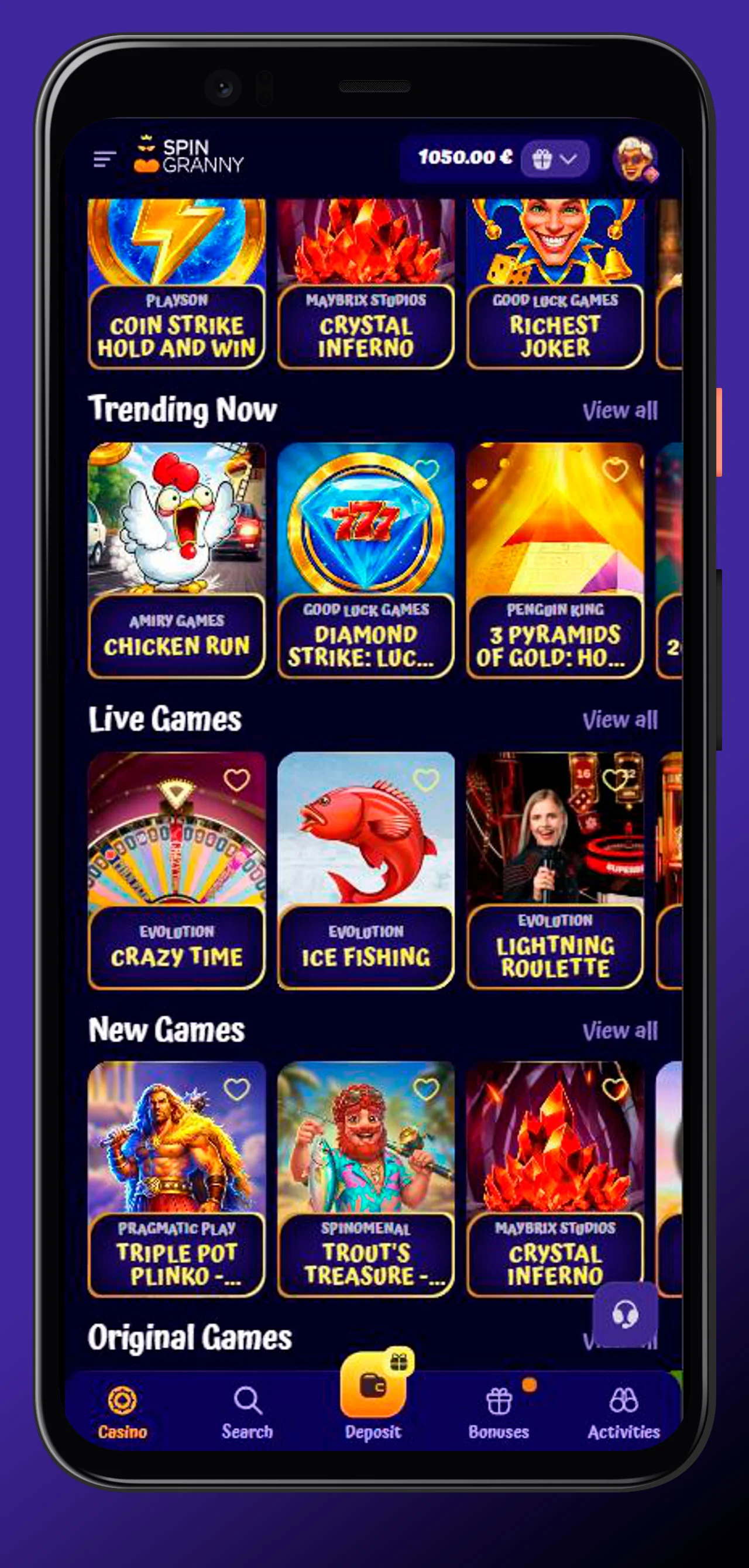
The Spingranny app works through your browser. Android users can install it through Chrome, while iPhone and iPad users can add it to the Home Screen through Safari.
Installation on Android APK
Some Android users search for Spingranny casino apk, but the safest route is the official browser install. Open Spingranny in Chrome, use the three-dot menu and choose Install App or Add to Home Screen.
The Spin Granny casino app setup on Android usually takes less than a minute. Once the shortcut appears, you can open it and log in with your existing account details.
Android install steps:
- Open the official Spingranny page in Chrome.
- Tap the three-dot browser menu.
- Choose Install App or Add to Home Screen.
- Confirm the prompt.
- Open the new shortcut.
- Log in or create an account.
Honestly, avoid unknown Spingranny casino apk files. Fast access is great, but safe access matters more.
Installation on iOS - Add to Home Screen
The Spingranny casino app ios setup works through Safari. Open the official page, tap the Share icon and select Add to Home Screen.
After that, Spingranny appears as an icon on your iPhone or iPad. You can tap it, open the mobile platform and use the same account you use on the desktop.
| Device | Install route | Recommended browser |
| Android phone | Install App or Add to Home Screen | Chrome |
| Android tablet | Browser shortcut | Chrome |
| iPhone | Share, then Add to Home Screen | Safari |
| iPad | Share, then Add to Home Screen | Safari |
Big plus, the Spingranny casino app ios route doesn’t need a standard App Store download. You get quick mobile access through the official browser path.
Registration & Login in the App
You can register or log in directly from mobile. The app uses the same Spingranny account, so your balance, profile, bonuses, loyalty status and activities stay connected.
The Spingranny casino download route simply makes access faster. Your account rules, age requirements, payment checks and verification process stay the same.
Creating an Account from the App
If you’re new, tap Sign up and complete the registration form. You’ll enter your email, create a password, add a promo code if you have one and accept the required terms if you’re 18+.
Then you complete your profile with your name, date of birth and phone number. The Spingranny app keeps this process mobile-friendly, but your details still need to be real.
You’ll usually need:
- Active email address.
- Secure password.
- Promo code if available.
- Age confirmation.
- First and last name.
- Date of birth.
- Phone number.
Use accurate details from the start. It helps with bonuses, payments and account checks later.
Sign In and Session Management
If you already have an account, open the mobile shortcut and tap Log in. Enter your registered email and password, then access your balance, games, bonuses and settings.
The Spingranny casino app should only be opened from the official shortcut or official browser page. If a link looks strange, don’t enter your details there.
Safe mobile login habits:
- Use your registered email.
- Keep your password private.
- Don’t save login details on shared phones.
- Log out after using another person’s device.
- Use password recovery if you forget access.
- Contact support if something looks unusual.
Bottom line, mobile access is convenient, but account security still comes first.
Games & Features Inside the App
The mobile platform gives you access to the same core sections you expect from Spingranny. You can play casino games, enter live tables, check sports betting, open activities and manage your account.
The Spin Granny casino app is useful when you want short sessions on the go. You can start with slots, move to live roulette, then check a football match without switching accounts.
Slots, Live Casino & Table Games
The Spingranny casino app includes slots, jackpots, live casino, instant win games, crash-style titles and table games. You can browse categories such as Top Games, Trending Now, New Games, Bonus Buy and Live Casino.
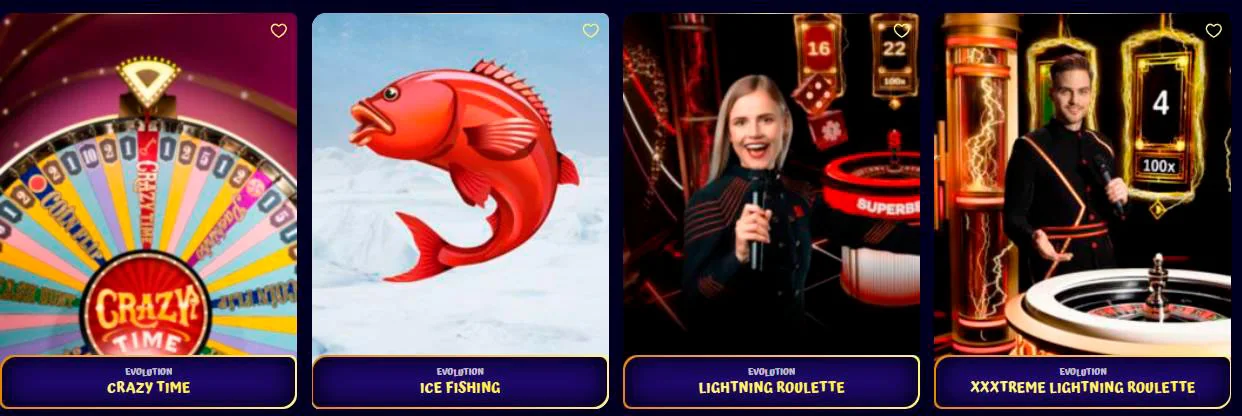
Slot examples can include Coin Strike Hold and Win, Crown Coins, Gold Rush with Johnny Cash, Book of Ra Magic and Hot Chilli Bells 100. Live games can include roulette, blackjack, baccarat and show-style titles.
Popular mobile casino sections:
- Slots for reels, themes and bonus features.
- Live Casino for dealer-led roulette, blackjack and baccarat.
- Game Shows for titles like Crazy Time and Dream Catcher.
- Instant Win for fast rounds.
- Crash Games for quick risk-based play.
- Jackpots for prize pool titles.
Set your budget before opening a game. Mobile play is easy, and that’s exactly why limits matter.
Sports Betting & Esports
Sportsbook access is also available from mobile. You can follow sports, esports, racing and live betting markets from the same account you use for casino games.
You may find football, tennis, basketball, ice hockey, eSoccer, table tennis and other markets where available. Esports options can include Counter-Strike, Valorant, Dota 2 and League of Legends.
| Betting area | Examples |
| Sports | Football, tennis, basketball, ice hockey |
| Esports | Counter-Strike, Valorant, Dota 2 |
| Racing | Racing markets where available |
| Live betting | In-play odds and active events |
Live betting moves fast, so take a second before confirming a slip. A quick tap still counts as a real-money decision.
Daily Tournaments & Activities Hub
The Activities Hub is where you can check missions, tournaments, wheels, store rewards and account tasks. This makes the Spingranny app useful even when you’re not planning a long session.

You can also follow daily events and leaderboard-style promotions from mobile. If something is active, the app-style shortcut helps you check it quickly and decide whether it fits your session.
Activity examples include:
- Daily Lucky Spin.
- Tournament cards.
- Missions and onboarding tasks.
- Granny Coins rewards.
- Store access.
- Loyalty progress.
These features make mobile access feel more alive than a simple game list. You can check rewards, finish tasks and return later when you’re ready to play.
App Bonuses & Loyalty Rewards
Mobile access connects directly with bonuses and loyalty features. You can check welcome offers, reloads, cashback, free spins, activities, Granny Coins and Store options from your phone.
The Spingranny casino download path is especially useful if you like checking offers quickly. You can open the shortcut, review current promotions and decide before making a deposit.
App-Exclusive Mission: "Game Changer" (50 Granny Coins)
The “Game Changer” mission rewards you with 50 Granny Coins for installing the app. That makes the mobile setup more than just a shortcut, because you can also start your loyalty activity right away.
If you’re checking the Spingranny casino apk route because you want the install reward, stick with the official page. The mission should be tied to proper app installation, not a random file from somewhere else.
| Mission | Action | Reward |
| Game Changer | Install the app | 50 Granny Coins |
| You’ve Got Mail | Verify email | 50 Granny Coins |
| Pick Up the Phone | Verify phone | 50 Granny Coins |
| The One & Only | Make first deposit | 150 Granny Coins |
Granny Coins can support your loyalty journey and Store activity. It’s a small extra, but it makes onboarding feel less boring.
Daily Lucky Spin & Weekly Offers via App
Daily Lucky Spin, weekly cashback, reload offers and free spin campaigns can all be checked from mobile. This is handy if you want to see what’s active before starting a session.
The Spingranny app keeps bonuses, games and account tools close together. You can check a promo, read the terms and then decide whether it fits your budget.
Useful mobile promo checks:
- Active offer name.
- Minimum deposit.
- Promo code if needed.
- Wagering requirement.
- Expiry time.
- Eligible games.
- Bonus progress.
Here’s the thing, quick access should not mean rushed claims. Read the offer card first, then activate only what you understand.
User Reviews & App Performance
The mobile page shows a 4.9 rating, 295 reviews and 1200+ downloads. It also shows a 12 MB size, which keeps the app-style access light on your device.
The Spin Granny casino app experience depends on your device, browser and connection too. For live casino and live betting, stable Wi-Fi or strong mobile data will always help.
| Performance point | Why it matters |
| 4.9 rating | Strong app page score |
| 295 reviews | Large review count |
| 1M+ downloads | Broad mobile use |
| 12 MB size | Lightweight access |
| PWA setup | Fast home screen shortcut |
For iPhone users, the Spingranny casino app ios setup is simple through Safari. For Android, use Chrome and the official install prompt rather than searching for outside files.
FAQ
You Might Also Like

Spingranny Casino Bonuses
Spingranny gives you a full promotion setup for new and returning players, from welcome rewards to cashback, reloads, tournaments, Granny Coins and...
Spingranny Casino Login
Your Spingranny account is where everything starts: games, bonuses, cashier, loyalty rewards, daily spins and account settings. In this guide, we’ll...